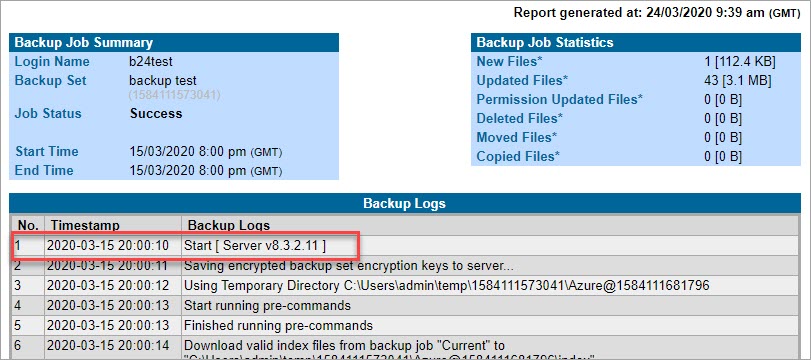
There are two ways you can check which version you are using.
On your devices
-
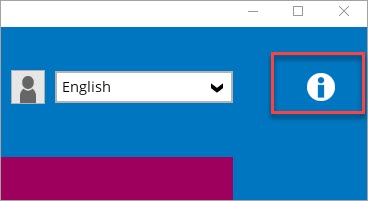
Open the software and right-click the information icon in the top right of the screen.
-
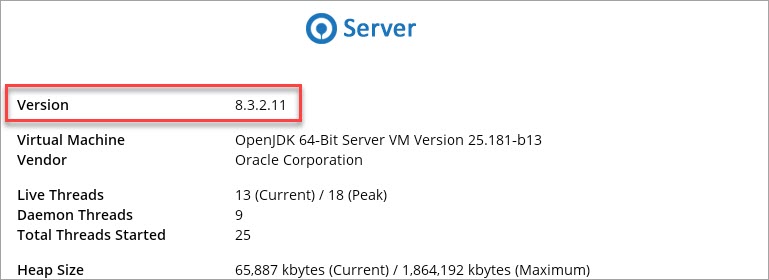
The version is shown at the top.
In the reseller portal @ https://portal.data-stor.net/
-
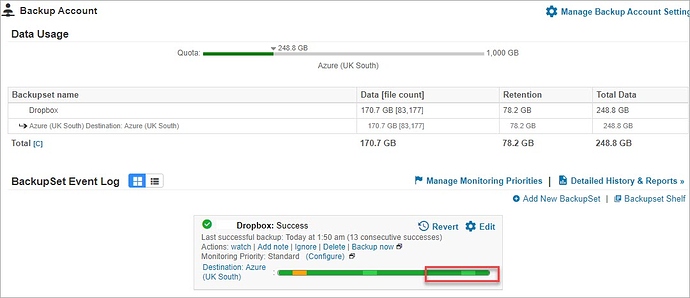
Click on any backup account and recent backup job report
-
The version is at the top of the backup job report.