We can never recover or reset your backup encryption passwords, so you must store them offline.
How to check your encryption password is correct
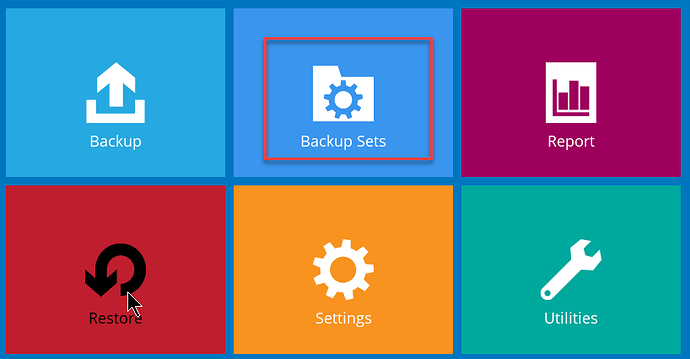
- Open the software on your device and click on Backup Sets
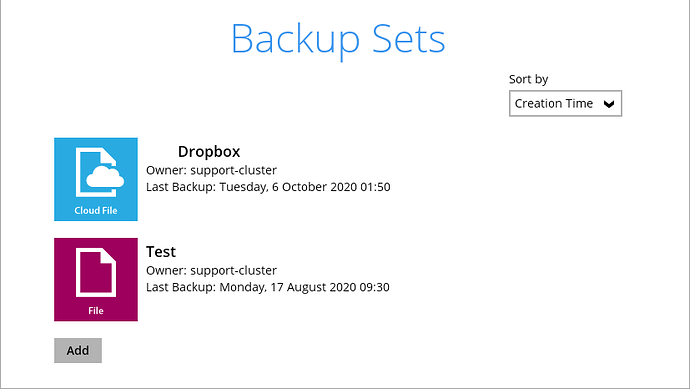
- Click on a backup set
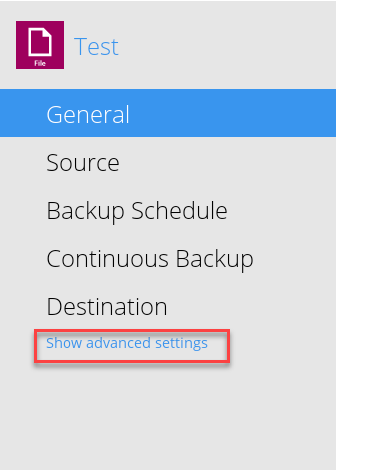
- Click on Show advanced settings
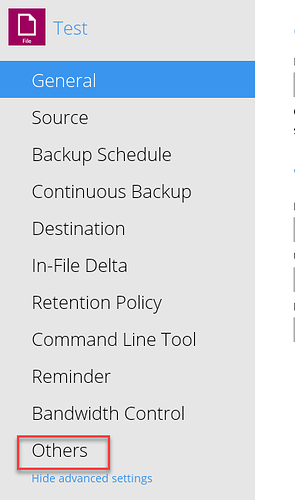
- Click on Others
- Scroll to the bottom of the screen and click on Unmask encryption ley
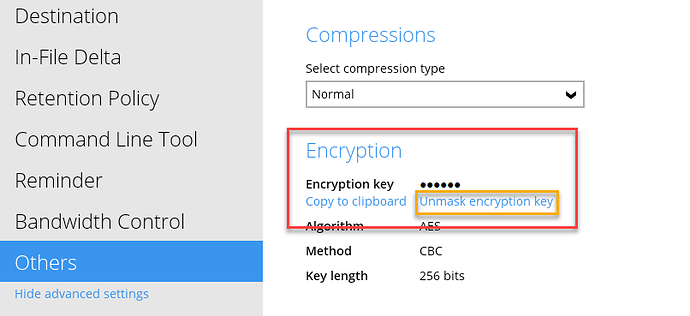
Store this key offline. This is your encryption password for the backup set, and it will never change.
Repeat this process for all backup sets.