Error
We saw an issue today where an Exchange 2013 mailbox backup which had run without issue stopped working.
When editing the source on OBM \ Server or running the job manually we saw this error LAN Manager authentication level must be 3 or higher

The LAN Manager authentication control was greyed out because the logged-on user didn’t have the correct permissions to access it.
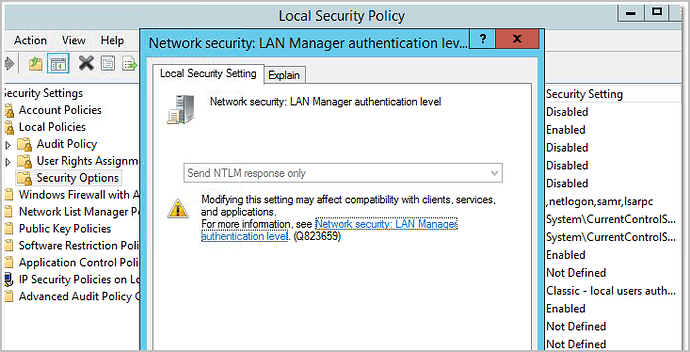
Normally it can be edited as follows.
Open Local Security Policy from Administrative Tools.
Under Security Settings, expand Local Policies, Security Options, Network security: LAN Manager authentication level
Fix
We created a new Exchange mailbox backup and during the source selection, the software reset the LAN Manager authentication level to 3.
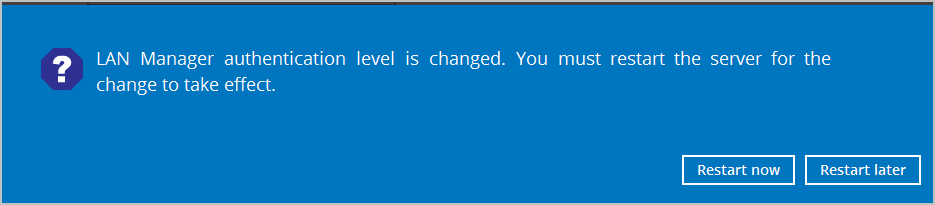
We cancelled the new backup job and could then display the mailboxes on the previous backup job after a reboot.
Ahsay 7 OBM, Exchange 2013