Error
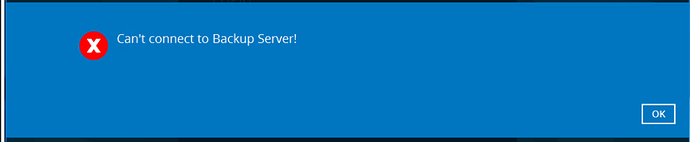
[CloudBacko.ErrorStream] [IOException] Can't connect to Backup Server!, caused by [ClientHandlerException] javax.net.ssl.SSLHandshakeException: java.security.cert.CertificateException: [RelaxedX509TrustManagerJVM14.checkServerTrusted] Cannot find a valid CA. Certificate[0]='
[CloudBacko.ErrorStream] Issuer: EMAILADDRESS=SophosUTM@domain, CN=Company Name Proxy CA, O=Org Name Ltd, L=Location, C=Country'
Cause
This error normally happens when a firewall blocks access to one of our backup clusters on port 443, or redirects the traffic on port 443.
A common cause is SSL inspection, where a firewall or web filter decrypts and re-signs secure traffic. In one reported case, the SSL scanning in the Sophos UTM web protection filter caused the error. Removing the Sophos rule fixed it. There were no errors in the Sophos logs, and no other secure websites were affected.
Fix
- Exclude our backup clusters from SSL inspection and web filtering on your firewall.
- Exclude these folders from antivirus and security software scanning:
C:\Users\<username>\.obm(Server software) andC:\Users\<username>\.acb(Desktop software). - Test the connection from Windows. If Windows can’t connect, the backup software can’t either. Find the cluster name your backup account is on: it’s shown on the right of the customer’s page in the reseller portal. Then run this command in PowerShell, replacing
b25.data-stor.netwith your cluster name:
If the result showsTest-NetConnection b25.data-stor.net -Port 443TcpTestSucceeded : True, the device can reach the backup cluster on port 443.