Error
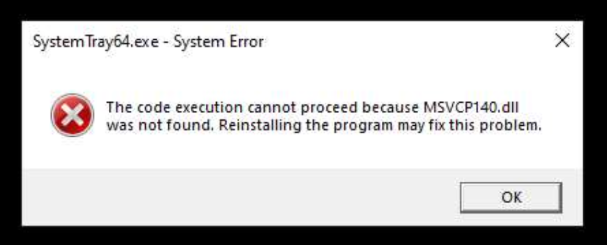
The code execution cannot proceed because MSVCP140.dll was not found
Cause
This error means a required Microsoft Visual C++ Redistributable file is missing from Windows. MSVCP140.dll is part of the Microsoft Visual C++ 2015–2022 Redistributable, a single combined package.
This is a Windows issue, not a BOBcloud issue.
Fix
- Go to Microsoft’s Visual C++ Redistributable downloads page.
- Download the version that matches your system: x64 for 64-bit Windows, x86 for 32-bit Windows.
- Run the installer and follow the prompts.
- Restart the computer.
- Run the backup software again. The error should now be gone.