Build an evidence pack
An evidence pack is the record, for one client over a period you choose, of what each of their machines reported and when. It is built from readings the collector stored as they arrived, timed by the collector's own clock rather than the machine's, and none of them can be changed afterwards.
Build one
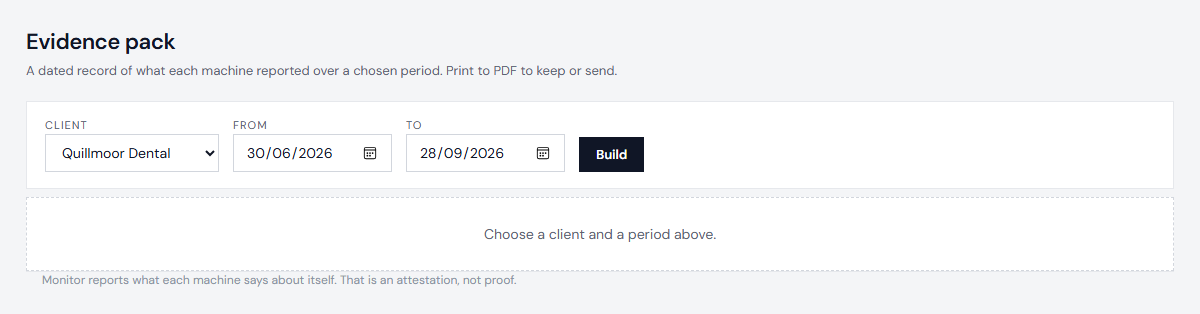
- Open Evidence.
- Choose the client and the dates.
- Choose Build. Print it, or save it as a PDF from your browser.
Anyone on your account can build one.
What is in it
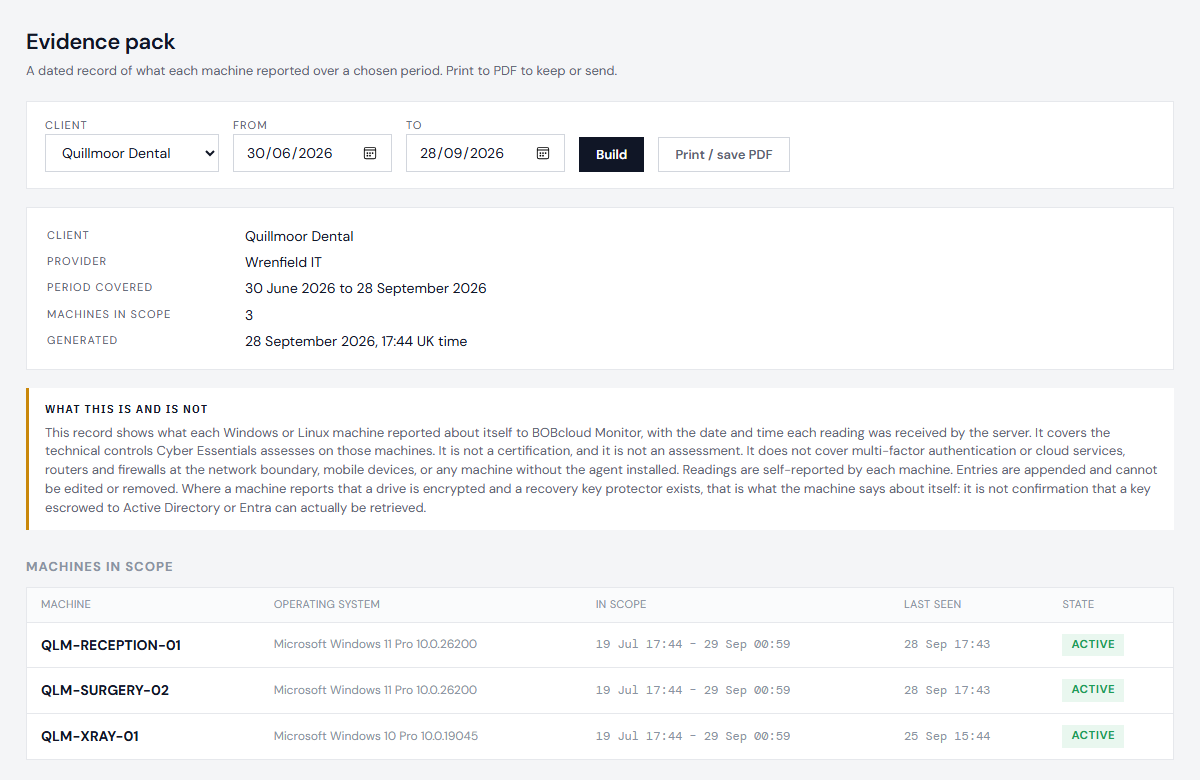
- Every machine that belonged to the client during the period, including machines that joined or left part way through, with the dates.
- For each control, how it held up over the period: when it changed, and how long it spent failing.
- Silences that were in force: each one's finding, the date it was accepted and why - "Accepted 14 September 2026: behind the site firewall" - and when it ends. A silenced failure still appears as a failure.
- No names. A pack does not say who set a silence, who built the pack, or anyone's email address. Who did what is on the Silences page and in the audit log.
- Health readings are left out: a full disk is not a missed control.
What it is, and is not
What each machine reports is an attestation, not proof. The machine belongs to your client, and someone with administrator rights on it could make it report something untrue. The pack is a continuous, timestamped record of what the machines said, which is useful evidence for an assessment and for the year between assessments; it cannot verify that a machine was set up as it said.
For disk encryption, the pack records whether the machine reports a recovery key protector. It cannot confirm that a key held elsewhere can actually be retrieved.
Next: Read the audit log